Skip to content
SpatialBaseSpatialBase / Keystrike
Coming soon
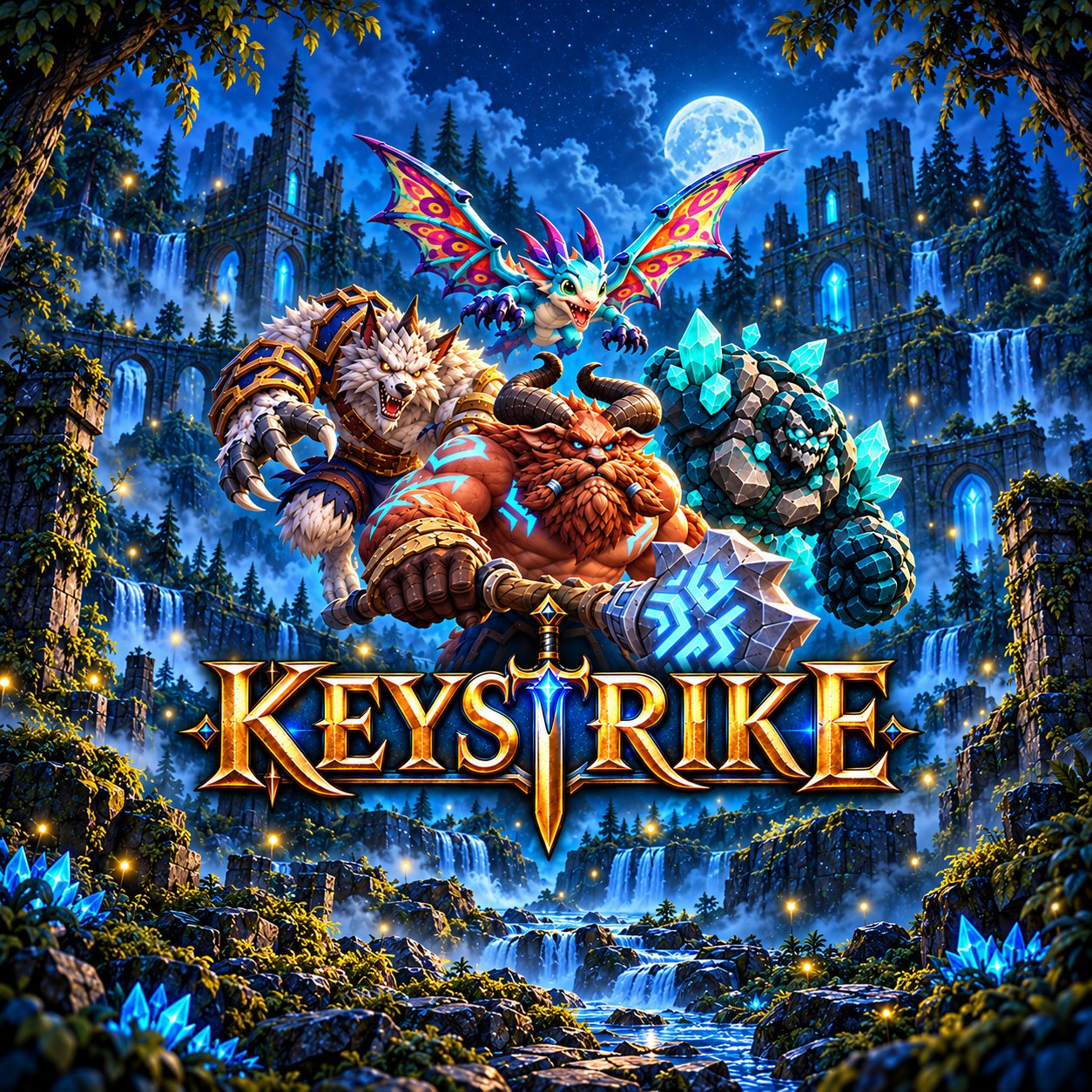
Keystrike key art with the Satyr and the Werewolf Type. Command. Conquer.

Command an army. One word at a time.

Keystrike is a typing tutor that combines fast, accurate typing with strategic deck building.

Coming soon to Meta Quest How it plays
Fast typing meets strategic play

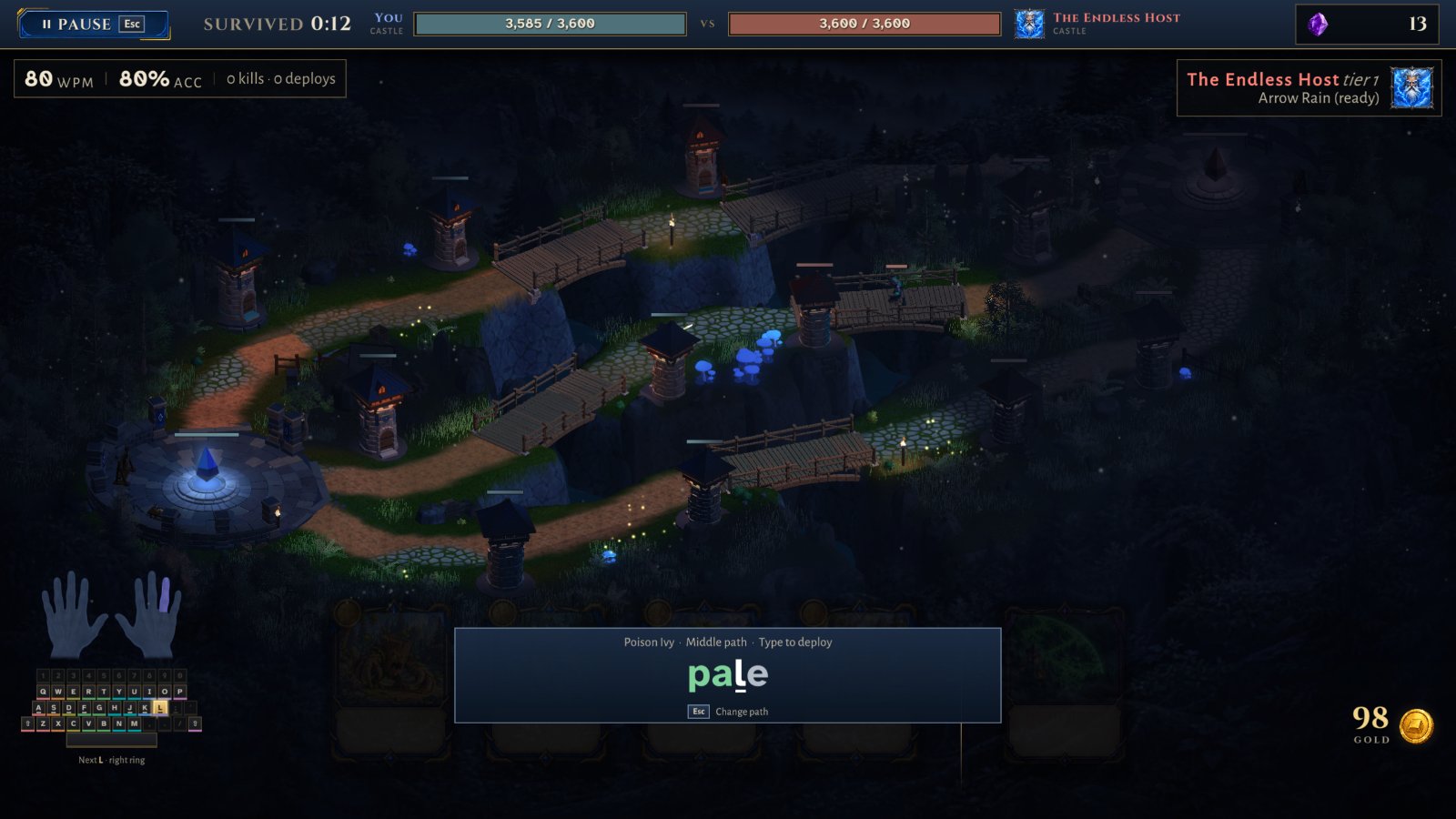
Type the word. Deploy the army.

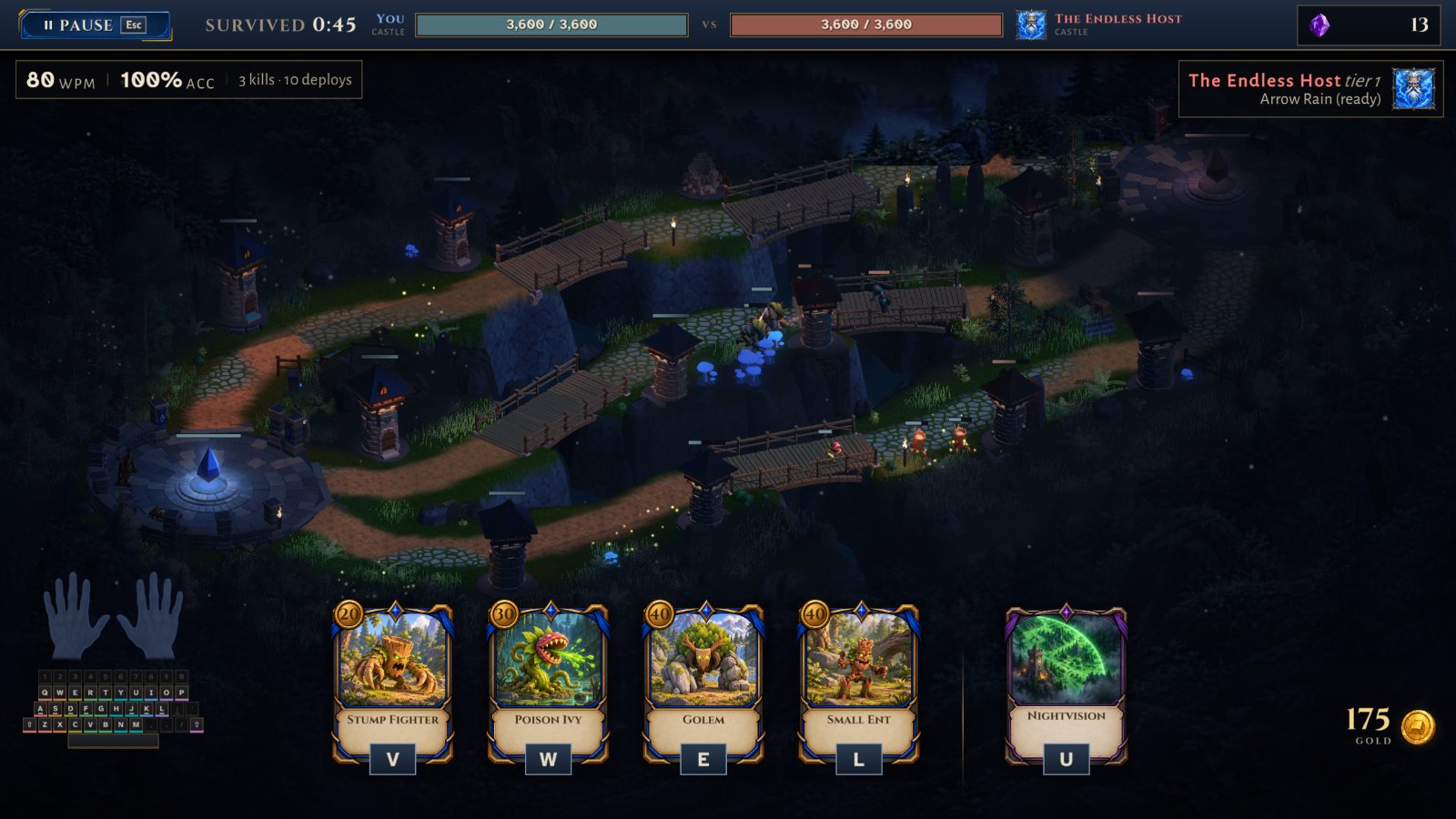
You battle an opponent across a three-lane map, with two towers per lane on each side. Your goal is to push through their defenses and destroy their base crystal.

A Keystrike battle with the three-lane map and character cards
Typing the word pale to deploy Poison Ivy on the middle path
Accuracy wins battles

Pick a character card, choose a path and type the word to send it into battle. Words per minute, accuracy, kills and deploys are tracked as you play.

Lessons

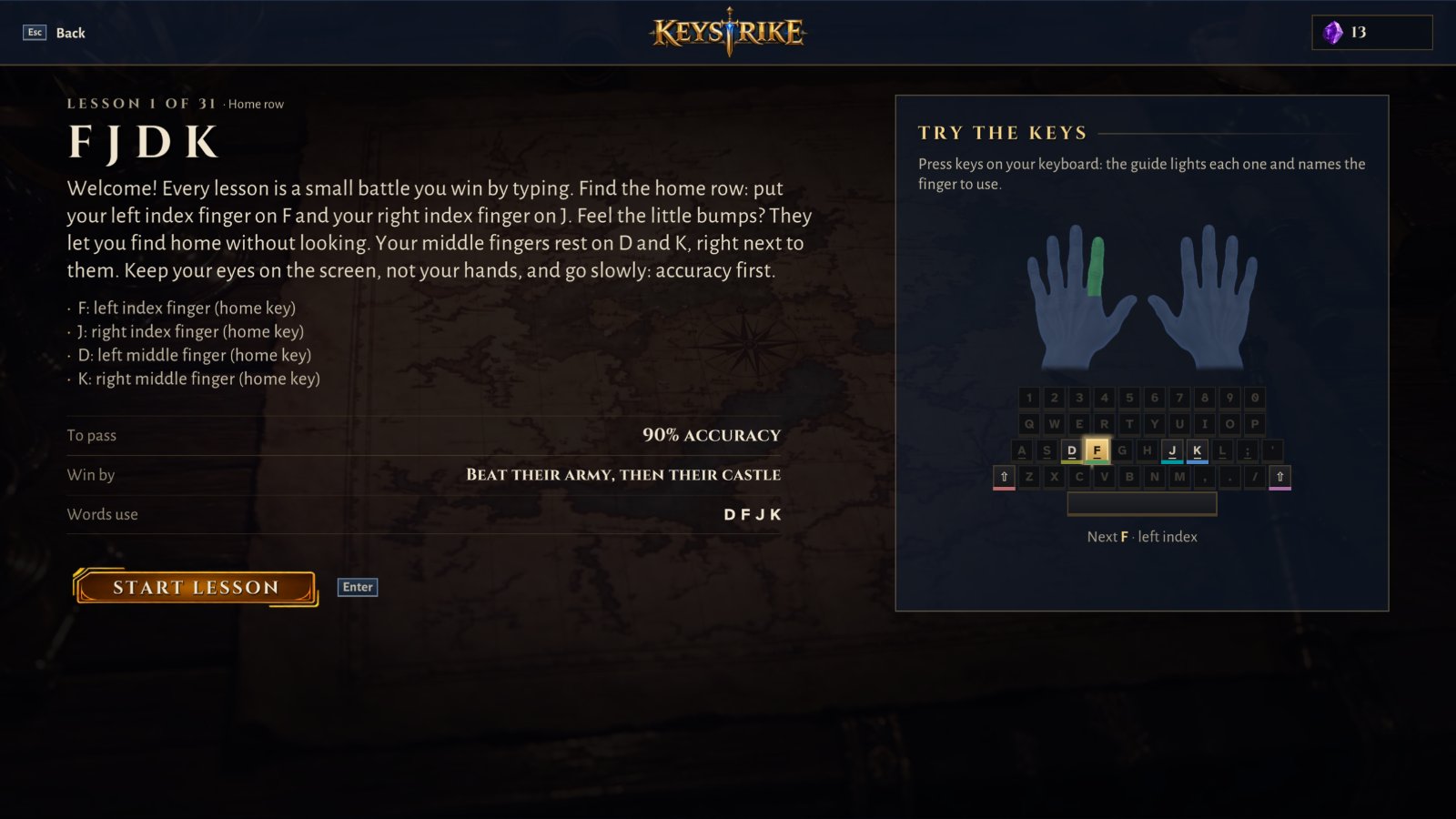
New to typing? Start with four keys.

For players who are new to typing, Keystrike also offers a series of lessons that introduce a few keys at a time through more forgiving battles.

An on-screen guide lights each key and shows which finger to use.

Lesson 1 of 31, home row keys F J D K, with the finger guide
Meet the characters

Build your deck. Upgrade as you win.

As you progress, you face tougher opponents and spend earned gems to upgrade your character deck, special ability, and passive abilities.

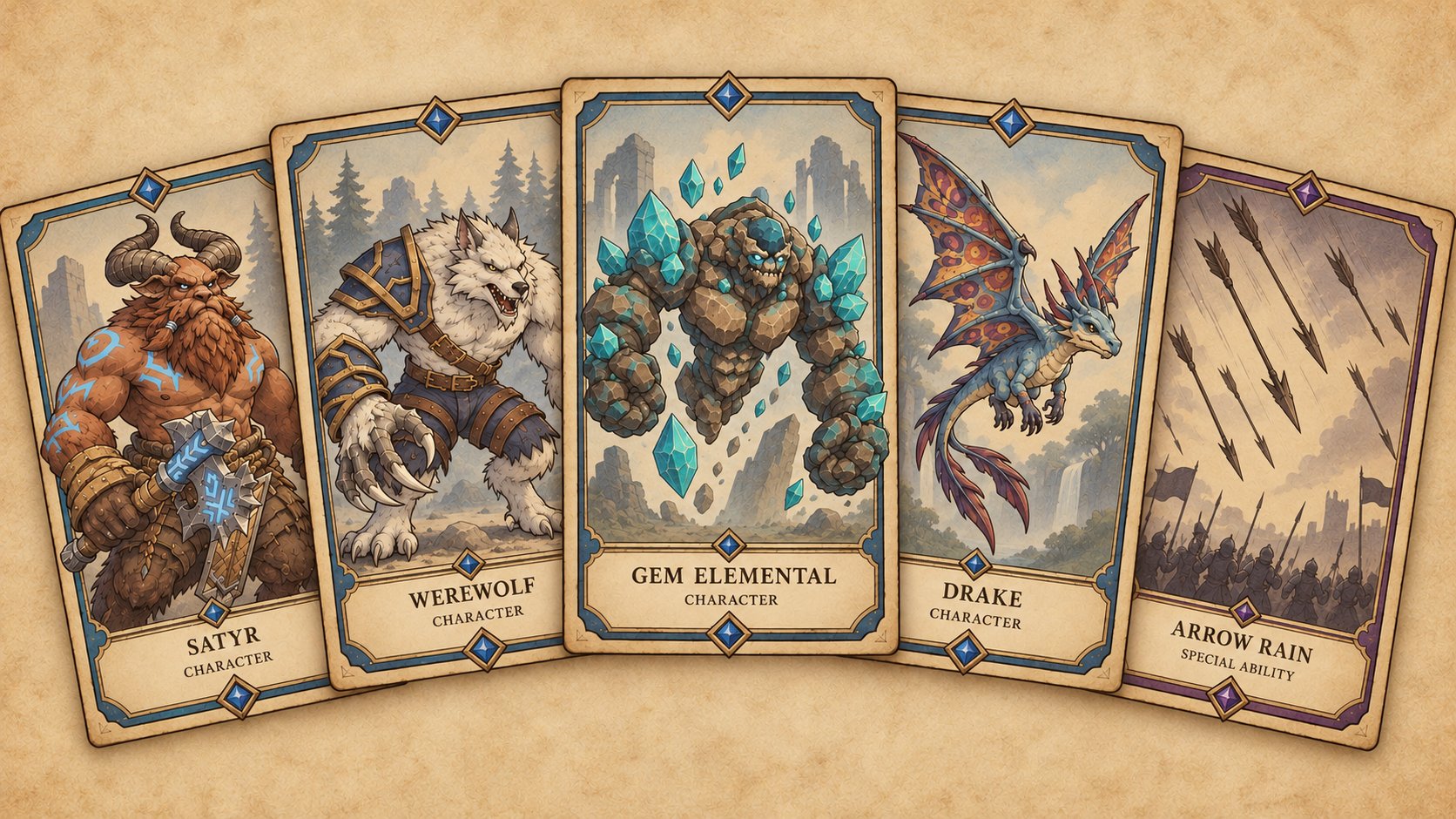
Keystrike cards: Satyr, Werewolf, Gem Elemental, Drake and Arrow Rain
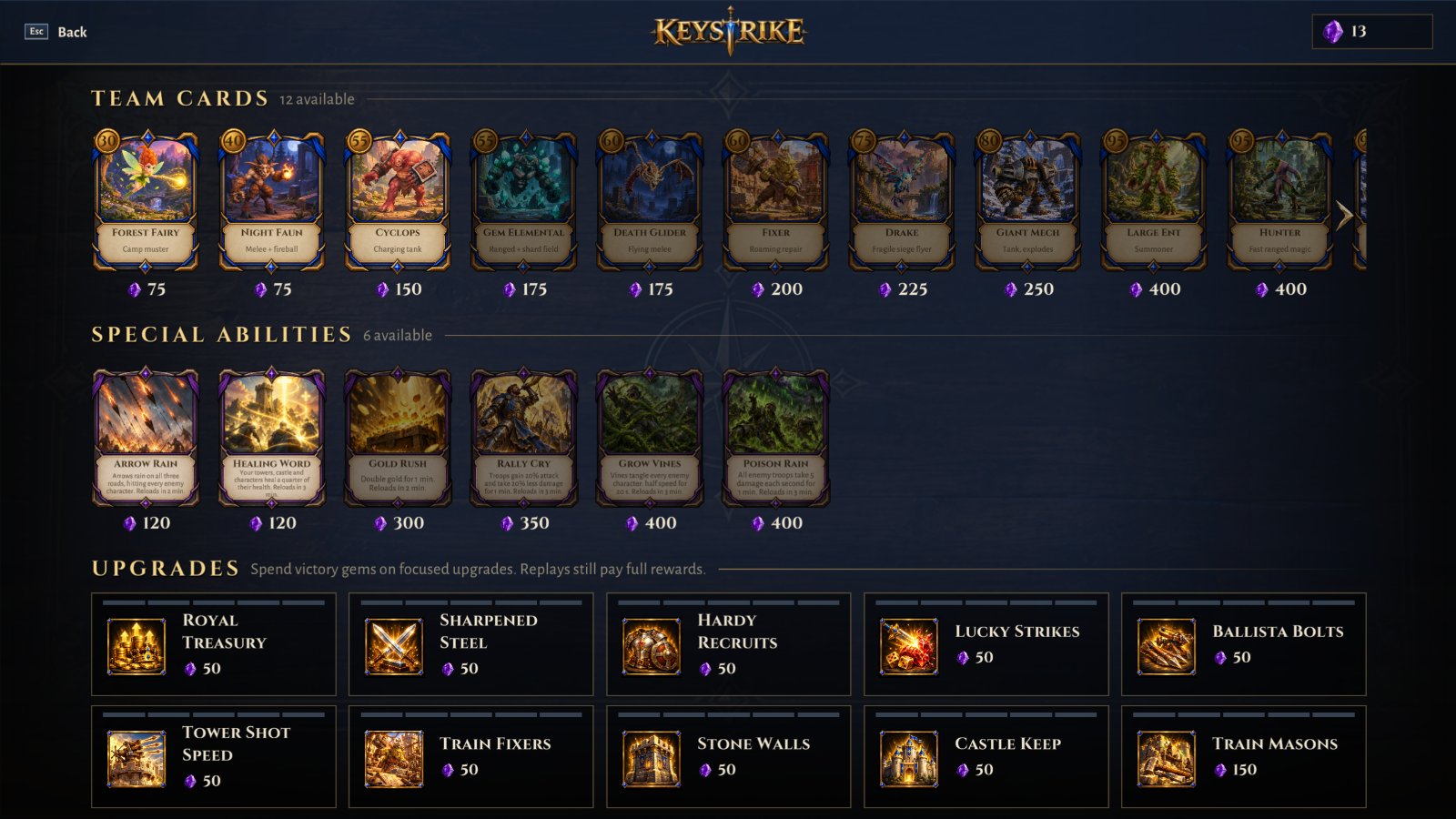
Team cards, special abilities and upgrades

Spend victory gems on new characters like the Forest Fairy, Cyclops and Giant Mech, abilities like Arrow Rain and Healing Word, and focused upgrades for your towers and troops.

The Keystrike shop with team cards, special abilities and upgrades
Surface keyboard Play without a physical keyboard using the Meta Quest surface keyboard.
Physical keyboards Keystrike fully supports wired and Bluetooth keyboards for the most precise typing.
Beyond one panel Meta’s VR Layout SDK extends Keystrike beyond a single panel in a few places.
Why Keystrike

“Growing up, I played a lot of educational games on my PC, including Math Blaster, the JumpStart series, and Mario Teaches Typing. That last one helped me become a confident typist and laid the foundation for years of learning and, eventually, a career working with computers.”

I’m especially excited to use Keystrike to teach my daughter how to type, just as Mario Teaches Typing helped me when I was her age.

Matt Sich, SpatialBase
Keystrike

Coming soon to Meta Quest.

Learn to type, or sharpen the skills you already have.